listi.net
VBA Window
| There are usually 4 main windows you'll deal with in VBA There are other dialogs and windows you'll use but the above 4 are the main ones Find CTRL f is used to find code. It brings up the find dialog. 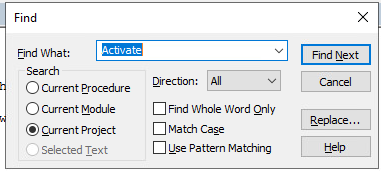 There are 3 choices of where to search and there is also a Replace... button. A Procedure is a current Sub or Function you're viewing. A module is a group of like Sub or Functions and the Project is all the code. There is also a setting for I prefer Procedure view which you can select from the buttons below or set via Tools > Options > Option Dialog > Click off Default to Full Module View 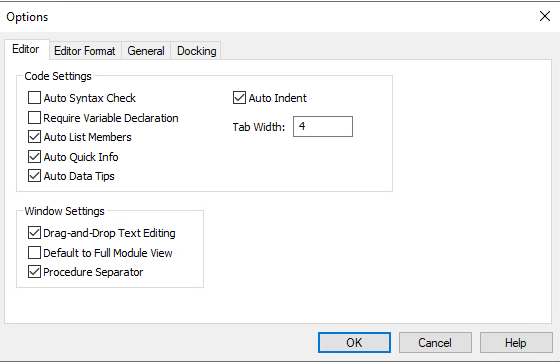 or 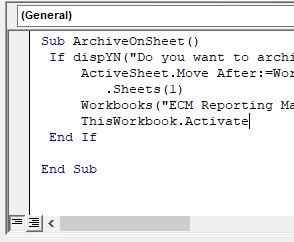 Press the buttons to see what happens. |