By using listi.net you agree to our cookie policy, We and our partners operate globally and use cookies, for multiple purposes

listi.net


Reporting

Reporting steps
  • Report is initiated via "Run" button
  • Display a status
  • Get external data (Tableau, Jira) to a spreadsheet
  • Combine
  • Format
  • Create Webpage
  • Email format
  • Manual send

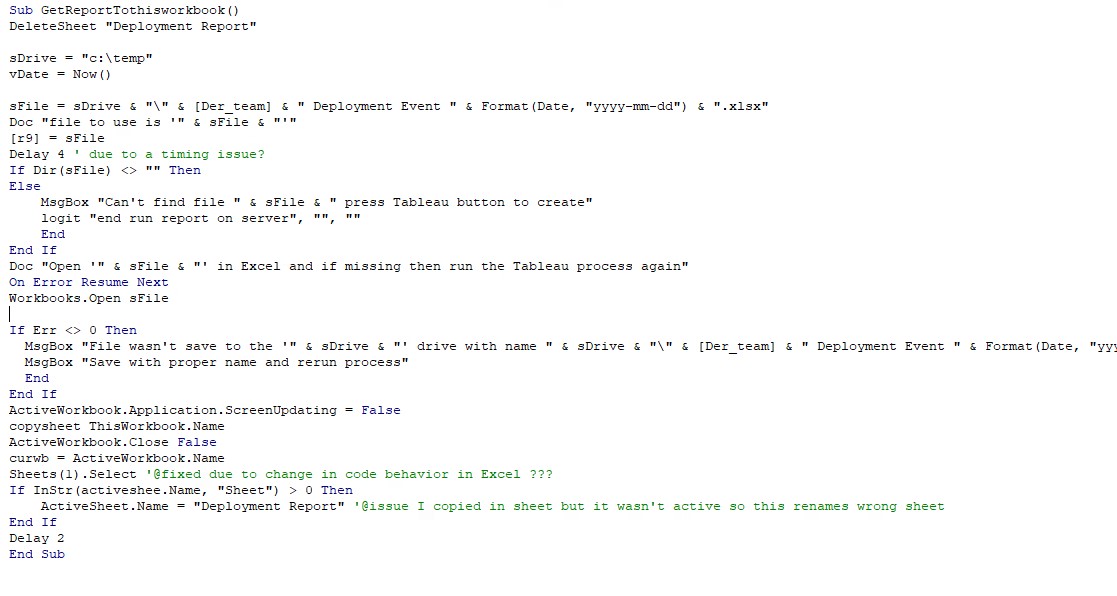
    GetReporttoThisWorkbook()

    Steps
  • Open the Excel file
  • Check if file exists
  • Copy in the Sheet
  • Close the file you opened
  • Rename the sheet


    PaulsPPTReport

    steps
  • Run the deployment report
  • Open the excel file
  • Filter by Program Manager of Tanu
  • Convert columns 3 & 4 to values
  • Hide A, E:Q, S, V:W
  • Replace Long program names with shorter versions
  • Change date format to mmm d
  • Add borders
  • Run Fix code 3 versions

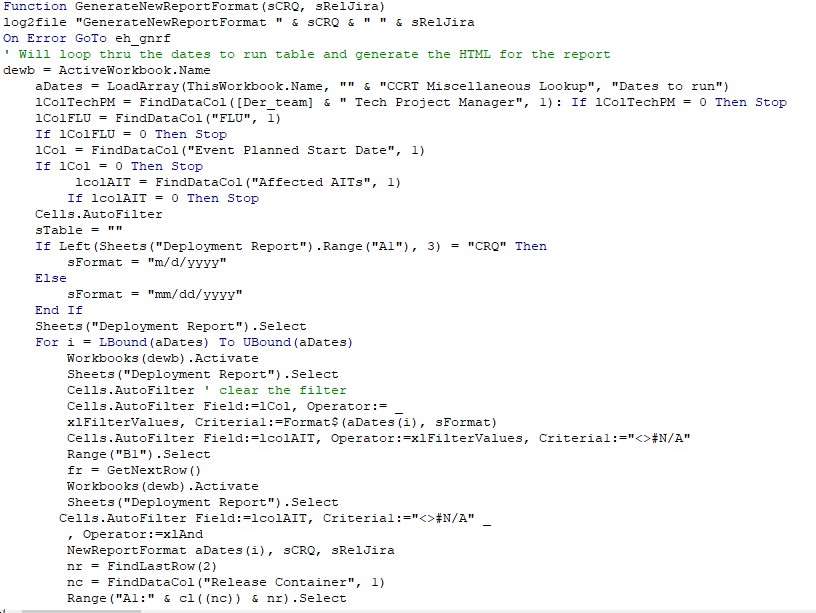
    GenerateNewReportFormat(CRQ, ReleaseJira)

    I had a report output but needed to change it.
  • Assumptions
    • Data is loaded to workbook
    • Dates are loaded
  • Get the dates to run
  • Set column variables
  • Go to sheet where data is
    • For each date
    • go to Data sheet
    • Filter by the date being processed and records I'm processing
    • Process NewReportFormat for the date
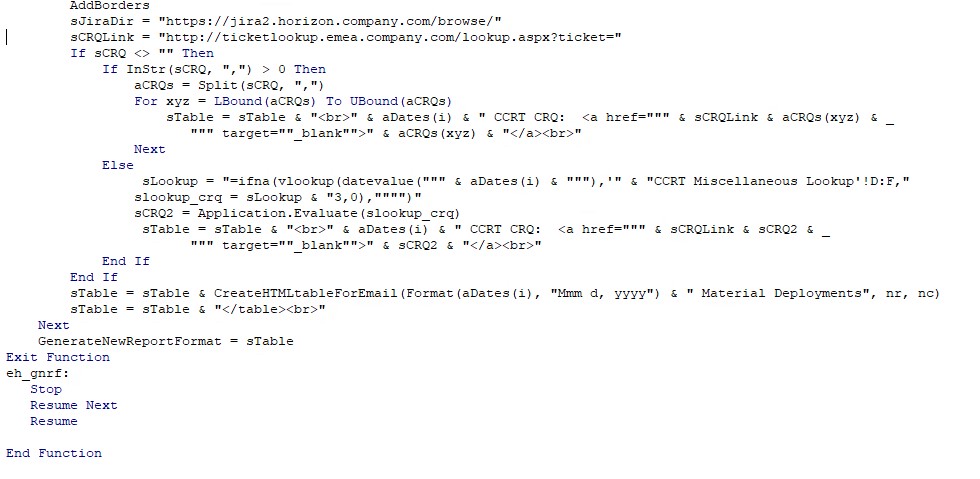
    • Add borders
    • Add CRQ to heading
    • Create the HTML from the date's data


    Store Report on a website and create a shortcut link to it.


    Check Report for Issues
  • Set column variables and check if any are missing
    • Loop thru the deployment sheet
    • Look for Sox/UCAL issues
    • Name and description are the same
    • Significant event
    • Missing child event
    • Event not confirmed and within 7 days of start
    • Undefined acronyms
    • Show the Email and allow user to send or modify before sending

    DQReport

    Steps
  • Set the clipboard with the file name to use
  • Go to the Tableau report (note uses Selection.Hyperlinks(1).Follow vba command) an the link is in Q5 cell
  • Stop and wait. (this needs work) after report finishes 4 manual steps
  • I've saved the output to an xlsx file
  • Open the file
  • Copy the sheet to the current workbook
  • Delete sheet from previous run (note that this sheet is big and should have a macro to run in 10 mins to delete it to save space)
  • Rename sheet
  • Look for a column that has the wrong name in it
  • Filter the data on known PMs to report to (note this is hardcoded and causes issues if a new PM is created)
  • Hide columns that aren't needed
  • Add borders
  • copy the report to the clipboard
  • display email and manually paste in the data
  • blog comments powered by Disqus